Choose from Windows and macOS utilities built to simplify common PC tasks.
Windows Scripts
PowerShell scripts for Windows systems.
Gallery For Windows Scripts
Download
Scripts
Description
BitLocker Recovery Key
Get the BitLocker Recovery Key. Requires being inside Windows. Learn more →
DeBloater
Removes selected optional Microsoft apps and provisioned promotional/OEM apps while preserving core Windows utilities. Learn more →
Fun Commands
Entertainment-focused PowerShell tools including Cat Fact, Matrix, console songs, and Text To Speech. Learn more →
Group Policy Editor
Adds the built-in Group Policy Client Tools and Extensions packages to Windows 10/11 Home using DISM. Learn more →
Installed Apps
Creates a software inventory from traditional programs and Appx packages, then saves CSV and Excel copies to the Desktop. Learn more →
Largest Files
Scans drive-letter file-system drives, excludes the Windows folder, and lists the 10 largest accessible files. Learn more →
Maintenance
Comprehensive Windows maintenance with repair checks, cleanup, updates, crash-dump analysis, optimization, restore-point handling, and HTML reporting. Learn more →
Media Player
WPF media player for local video and audio with playback controls, seeking, volume, playback time, fullscreen, and auto-hiding controls. Learn more →
Melder
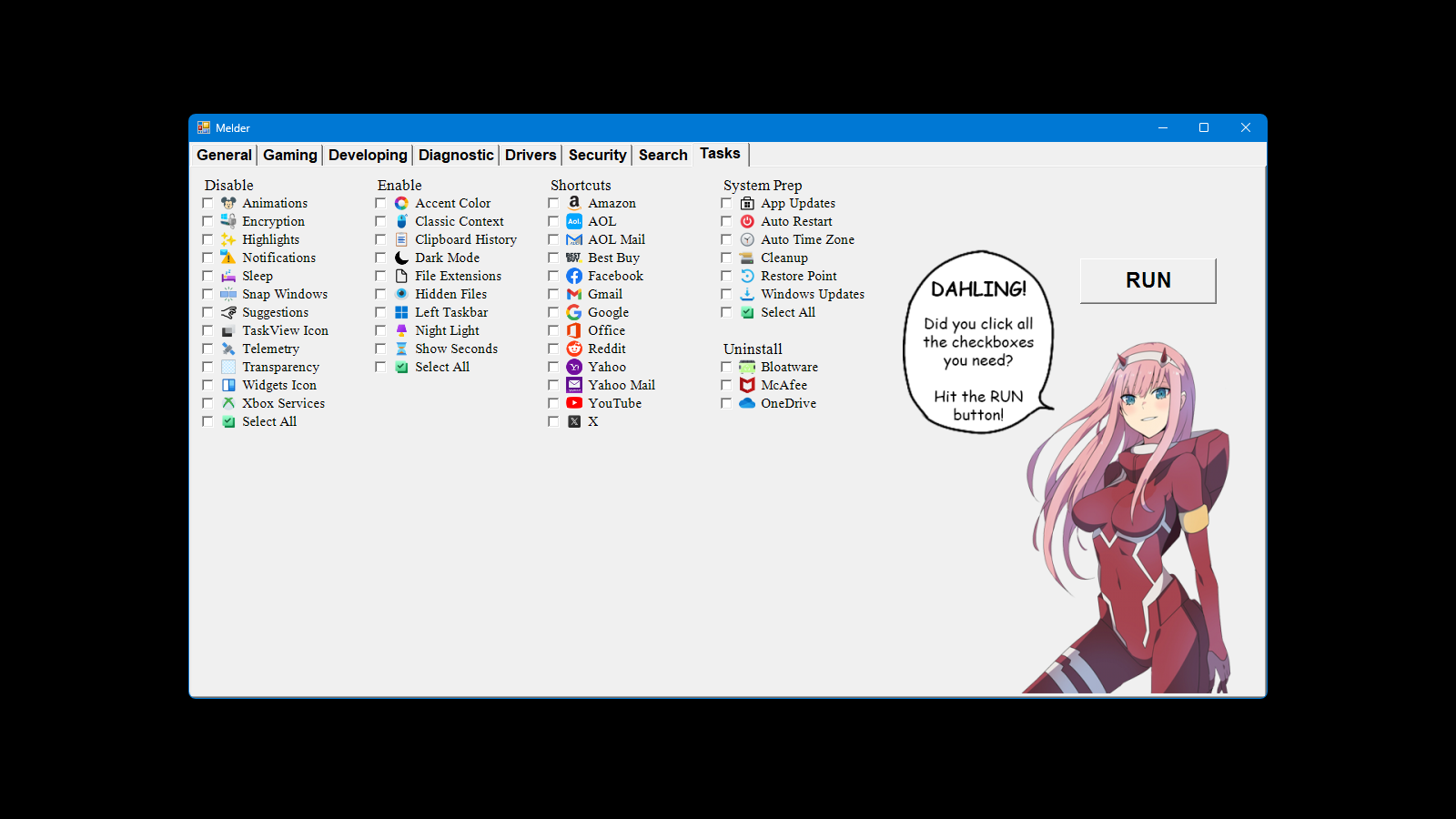
Streamline your PC setup with this GUI tool to automate App installs, updates, enable/disable settings, shortcuts, and cleanup. Learn more →
Mouse Jiggler
Moves the mouse pointer automatically every 5 seconds. Press Esc to exit. Learn more →
Network Fix
Tests connectivity, resets Windows networking, runs DNS Jumper and Ookla Speedtest, reports DNS servers, and saves a transcript. Learn more →
OneDrive Backup
Backs up OneDrive to external USB storage, including online-only files through temporary hydration, with Robocopy logs and state restoration. Learn more →
Print Spooler Fix
Stops the Windows Print Spooler, clears all queued print-job files, and starts the service again. Learn more →
Repair Tool
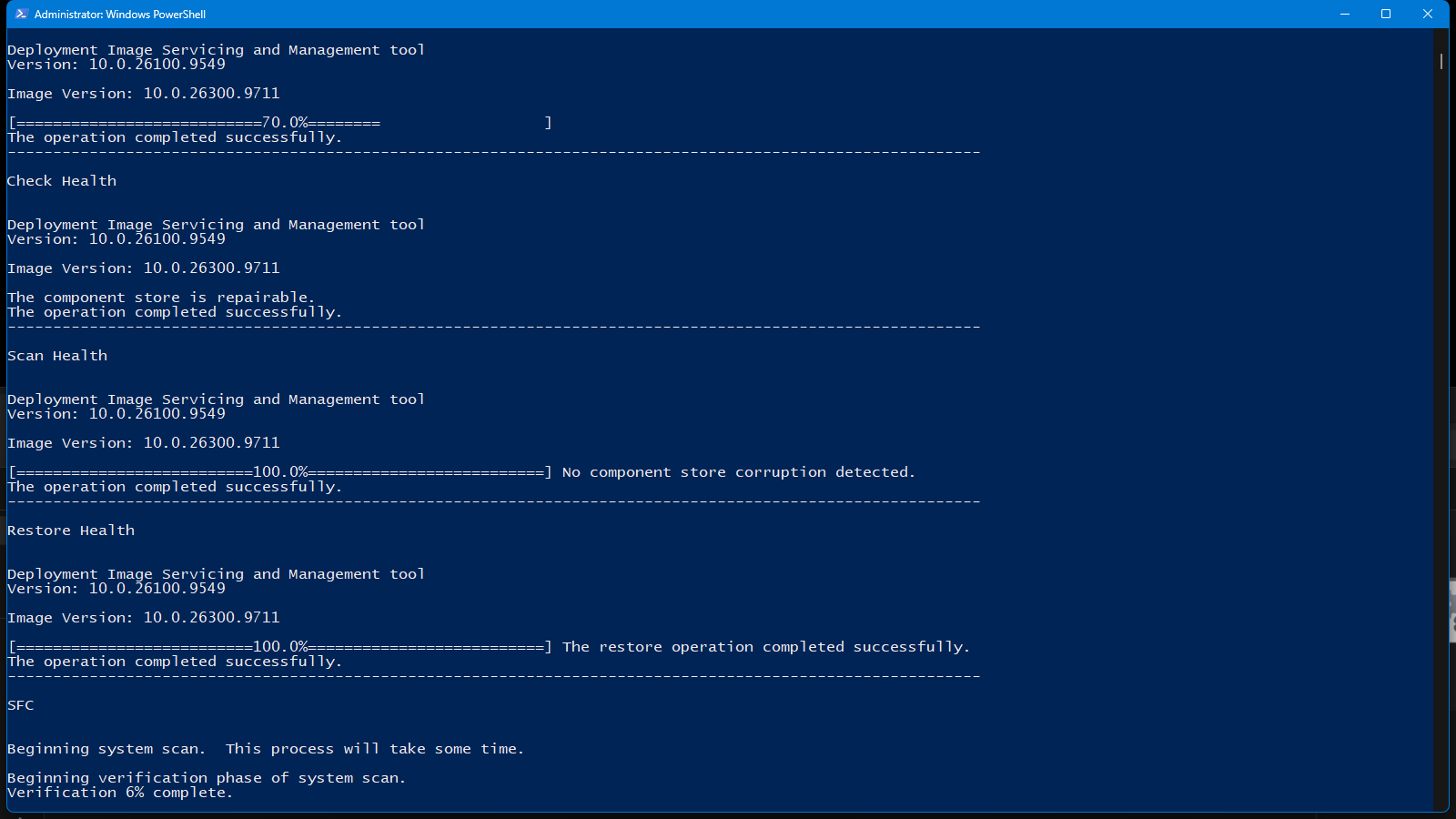
Runs DISM component-store analysis, cleanup and repair followed by SFC, then saves the full results to the Desktop. Learn more →
Start My Day
Console daily briefing with history, quote, weather, news, sports, lottery, market, and cryptocurrency information. Some API setup required. Learn more →
System Info
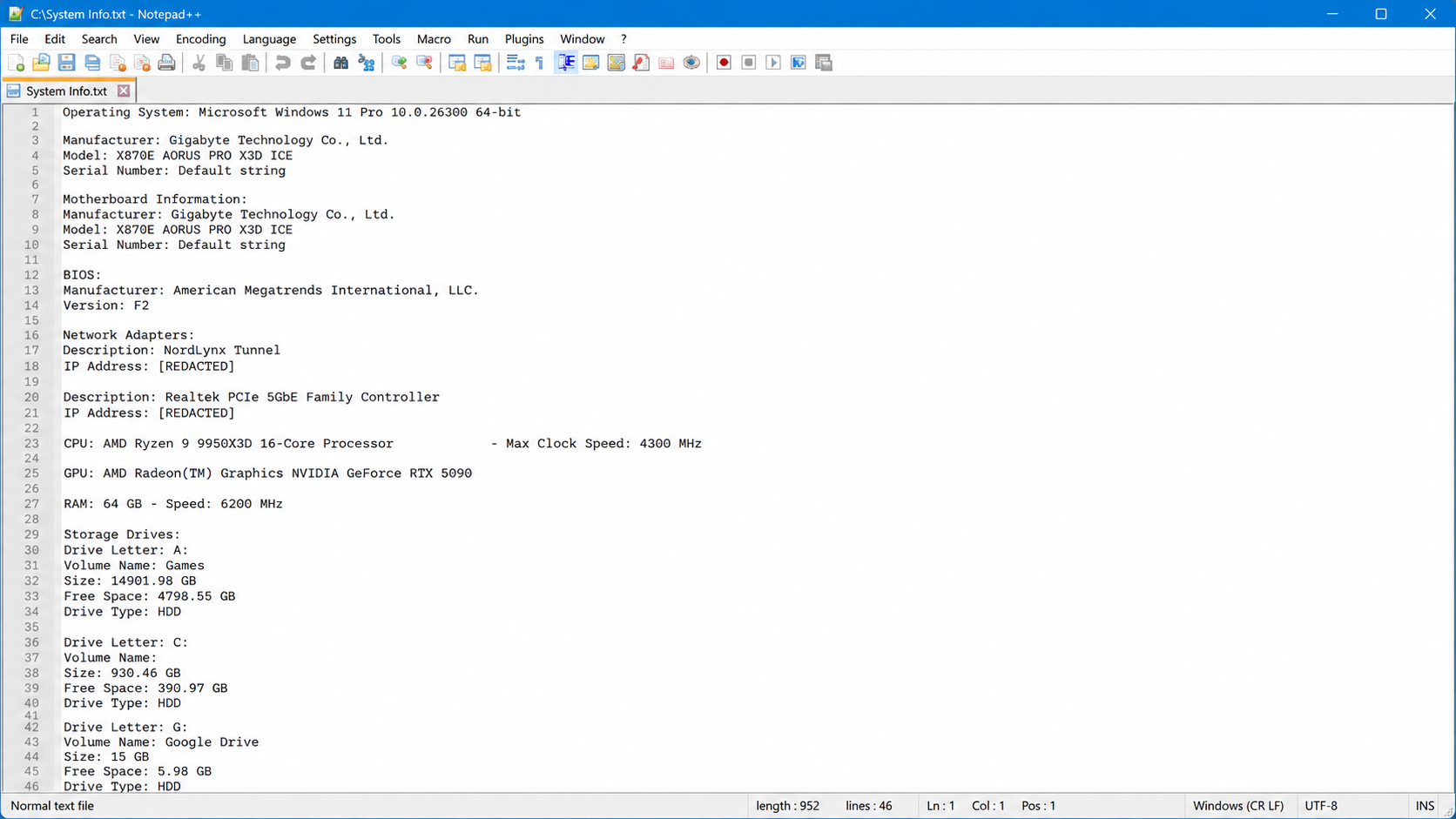
Creates Desktop reports with Windows, hardware, network, memory, storage, BIOS, motherboard, and battery information. Learn more →
Threat Inspection
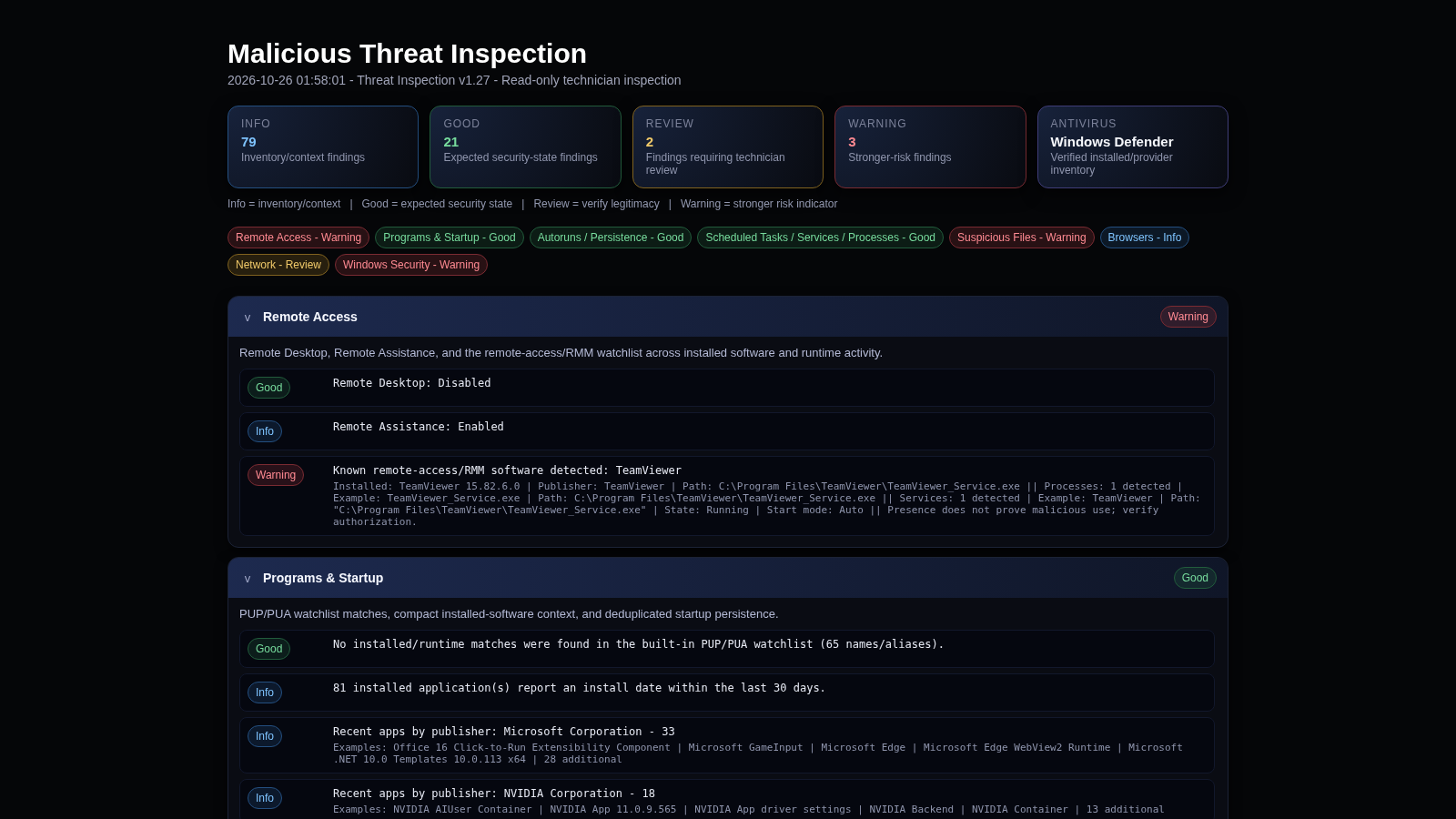
Inspects Windows for common security concerns and suspicious activity, then generates an HTML report for review. Learn more →
Update Fix
Resets Windows Update services and cache folders, then runs DISM and SFC to repair update and system corruption issues. Learn more →
Wi-Fi Info
Displays saved Wi-Fi profiles and passwords from the local Windows installation and saves the results to a text file. Intended for devices you own or are authorized to manage. Learn more →
Windows Security Fix
Restores Microsoft Defender and Windows Security toward normal Windows defaults by repairing SecHealthUI, clearing conflicting Defender policies, and checking core services and WMI components. Learn more →
Mac Scripts
Shell scripts for macOS.
Gallery For Mac Scripts
Copy and paste this command into Terminal to install the Melding Software Mac scripts.
After reopening Terminal, type MeldingSoftware anytime to load the list.
Removes a curated list of normally removable apps from /Applications while skipping SIP-protected system apps. Learn more →
Fun Commands
Interactive Terminal menu with Matrix rain, ASCII effects, quotes, banners, historical events, Cowsay, text-to-speech, and more. Learn more →
Installed Apps
Lists apps from /Applications and /System/Applications and saves the inventory to the Desktop. Learn more →
Largest Files
Scans the current user's home folder for the 10 largest items, checks likely Full Disk Access, and saves the results to the Desktop. Learn more →
Maintenance
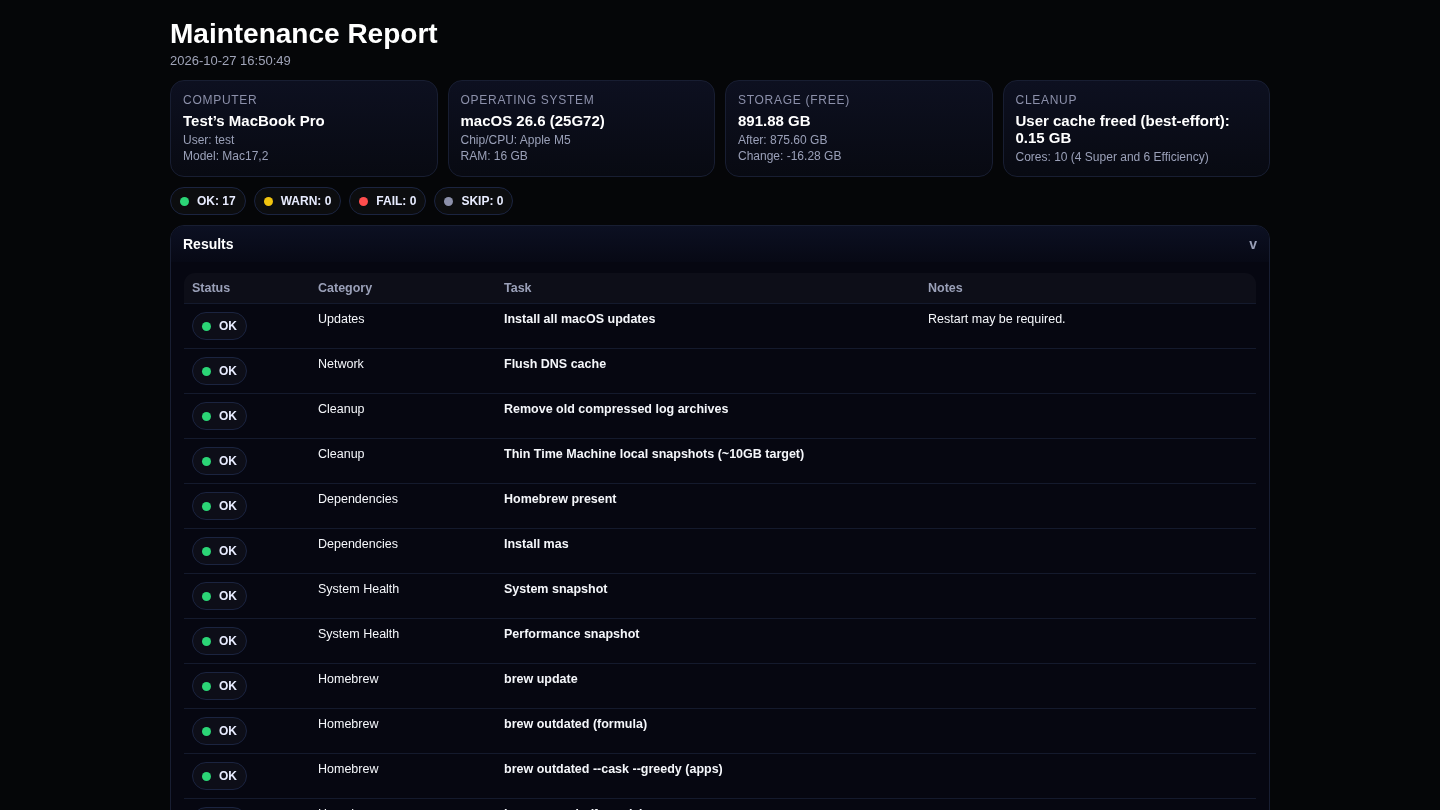
Runs macOS updates, DNS flush, cleanup, Time Machine snapshot thinning, Homebrew/App Store updates, disk checks, cache cleanup, and creates an HTML report. Learn more →
Melder
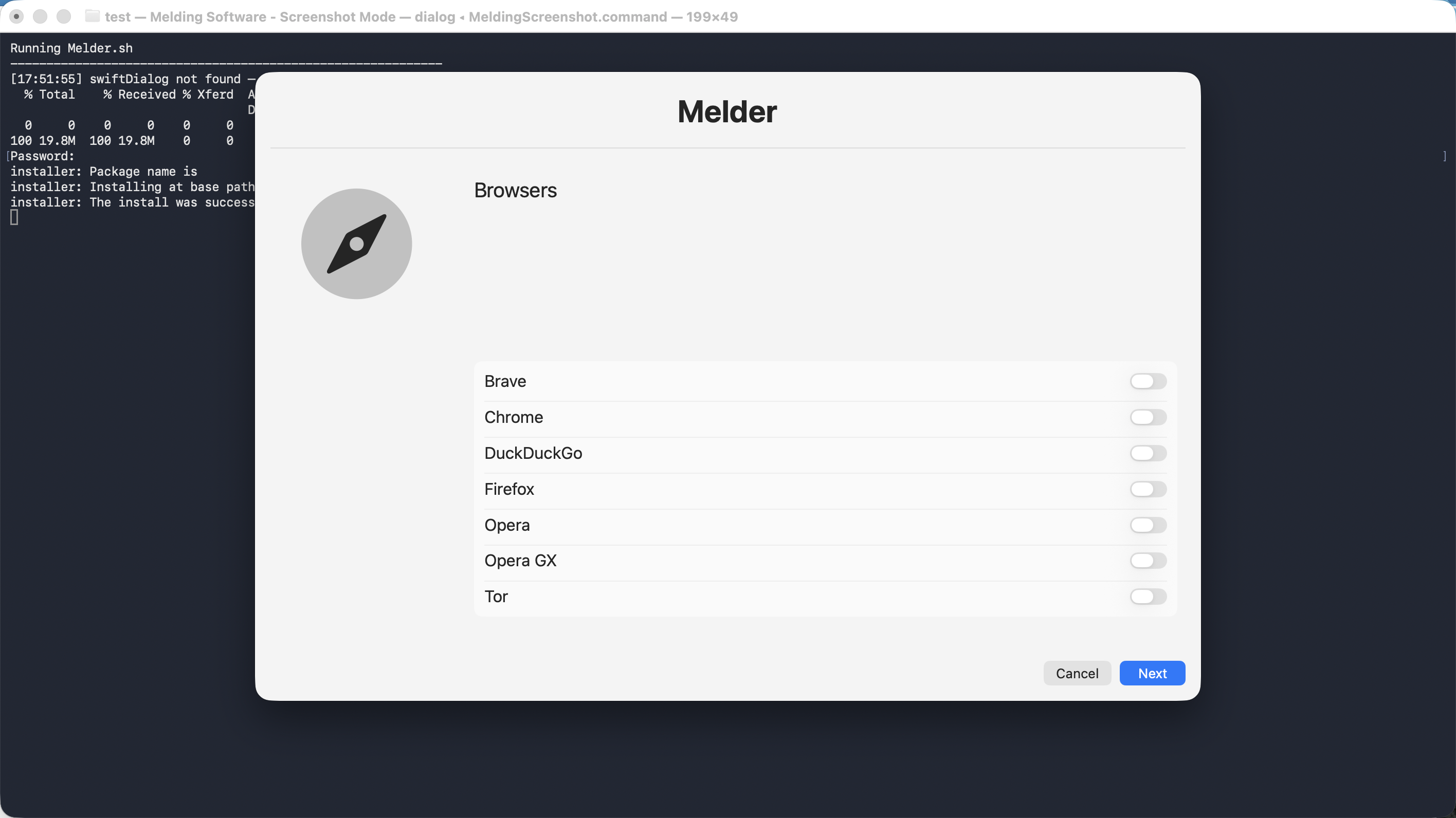
GUI setup utility using swiftDialog and Homebrew to install selected apps, search additional casks, and apply macOS tweaks. Learn more →
Print Spooler Fix
Restarts the macOS CUPS print spooler service to recover from a stalled printing service. Learn more →
Repair Tool
Verifies and repairs the macOS system volume and disk, records SMART/APFS information, and provides Recovery-specific repair guidance. Learn more →
System Info
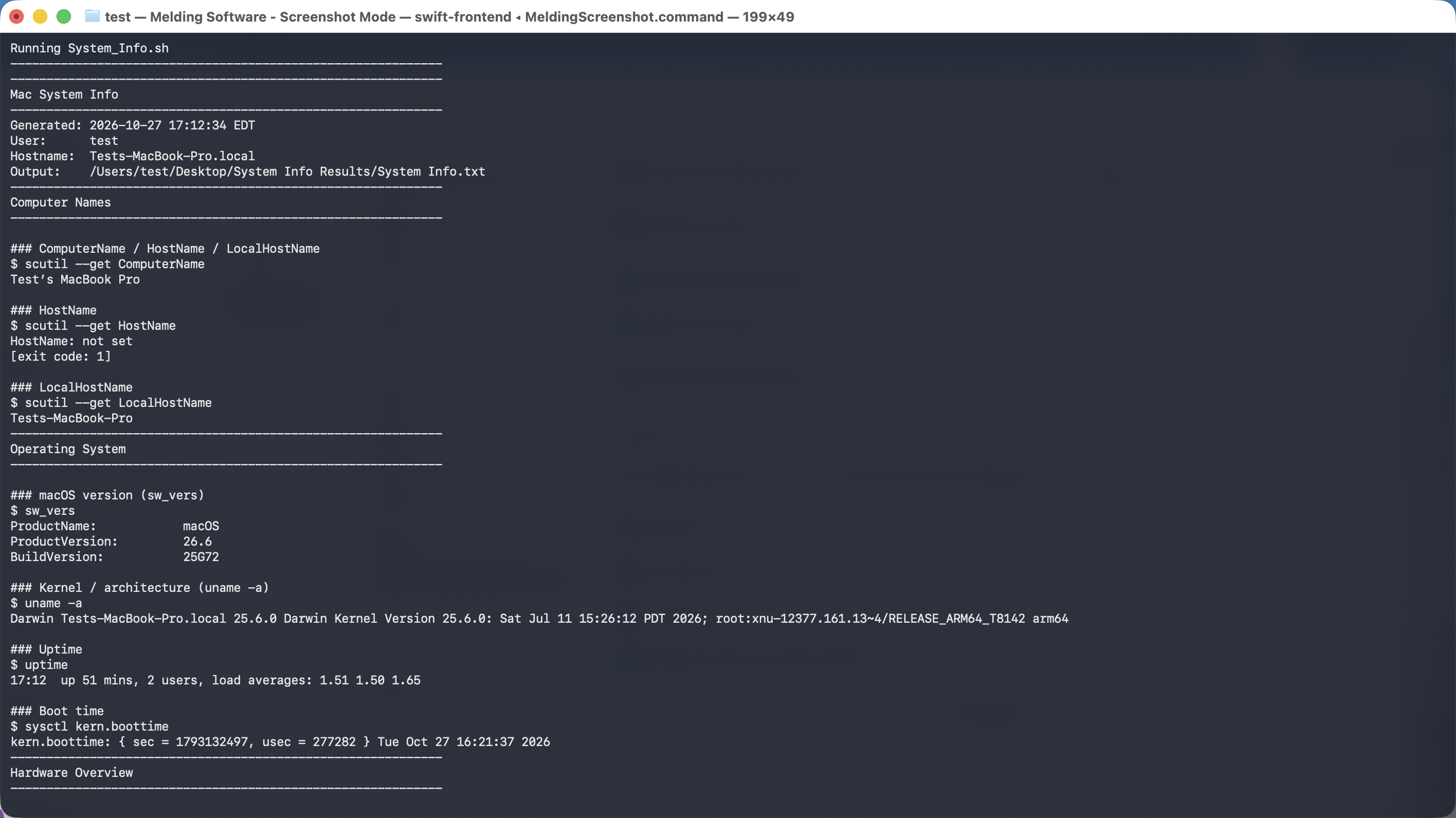
Creates a local report covering macOS, hardware, storage, network, battery/power, security checks, update history, and top CPU processes. Learn more →
Threat Inspection
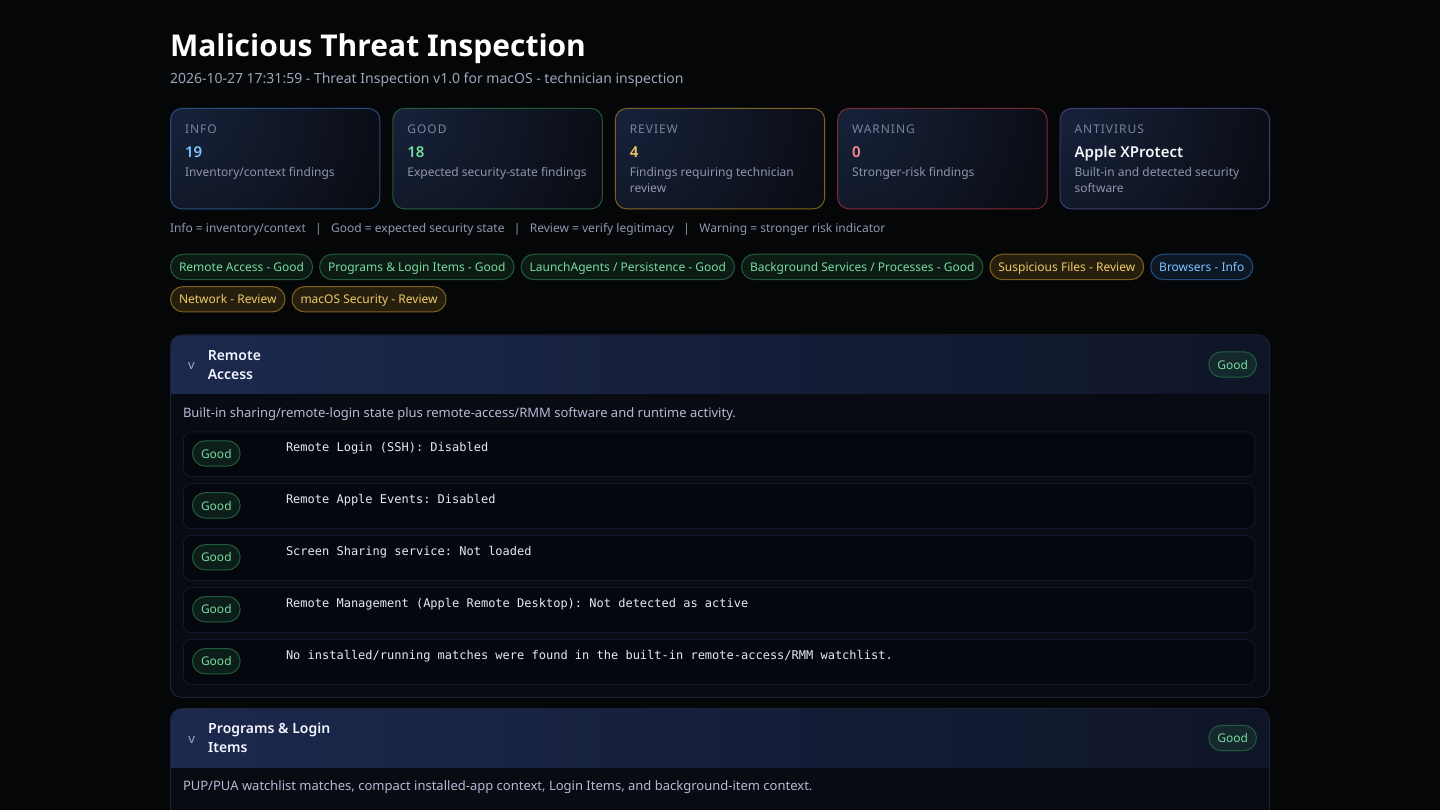
Read-only technician inspection of remote access/RMM, PUP/PUA, persistence, suspicious files, browsers, network, and macOS security with an HTML report. Learn more →
Update Fix
Stops the macOS software update service, clears removable /Library/Updates data, restarts the service, and explains protected-file cases. Learn more →
Wi-Fi Info
Displays the current Wi-Fi SSID, retrieves its saved password from macOS Keychain when authorized, and saves the result beside the script. Learn more →
The project
About
Melding Software is developed and maintained by Kevin King, an independent developer with years of hands-on computer repair and technical support experience. The project focuses on practical Windows and macOS utilities for setup, maintenance, diagnostics, repair, security inspection, and automation.
The tools are built around real troubleshooting and support workflows, with an emphasis on transparency. Detailed documentation explains what each utility checks or changes, when administrator access or additional permissions are required, what files or reports are created, and when a tool communicates with an external service.
All Melding Software utilities are free to use, and source code is available through the Melding Software GitHub. The project is actively maintained as the underlying Windows and macOS platforms change.
Help
Support Our Work
Help keep Melding Software free and continuously improving.
If you find the software helpful,
consider making a donation to support our development efforts.
All of our software is completely free.
Donations are greatly appreciated.